 Book My Luck
Mac
Menu-bar apps, overlays and desktop customisation, explained for people who are not engineers.
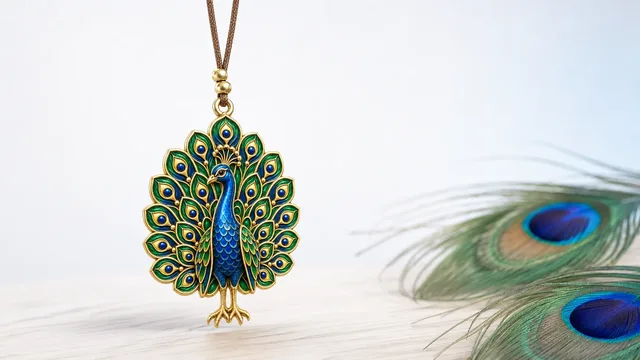
Apps for Multiple Monitors: One Charm Per Screen
Mac multiple monitors apps that behave: window managers, menu-bar tools and a charm that gives one calm object per screen without cluttering any of them.
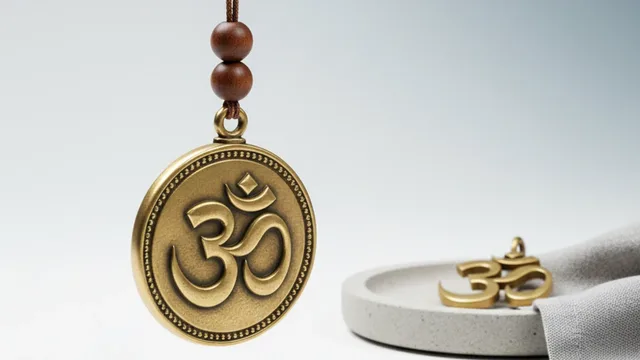
Best Mac Apps for a Calm Desk Setup
The best mac apps for focus keep your screen calm, not crowded: Focus modes, timers, a tidy menu bar and one quiet charm to mark the moment.

Click-Through Windows on Mac: Why Overlays Don't Block
A click through overlay mac window sits on top of your screen but passes every click to the app beneath, so it decorates without ever blocking your work.
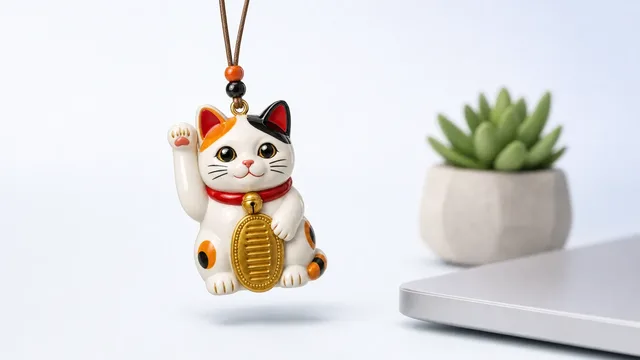
Cute Mac Apps That Live in the Menu Bar
Cute Mac apps that live in the menu bar add small character to your day. Here are friendly categories worth a spot in your top strip.
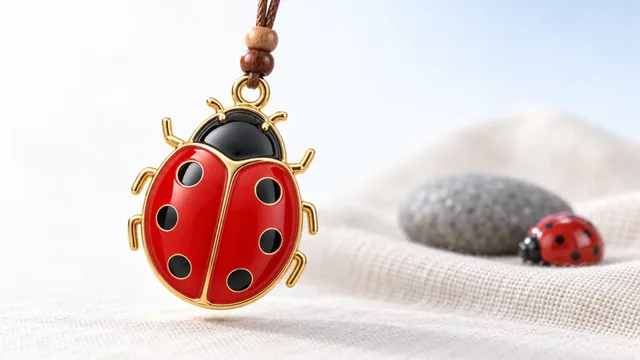
Desktop Pet vs Desktop Charm: Which Suits You?
A desktop pet mac keeps you company on screen; a charm stays calm and out of the way. Here is how to pick the one that suits you.
Does a Menu Bar App Slow Down Your Mac?
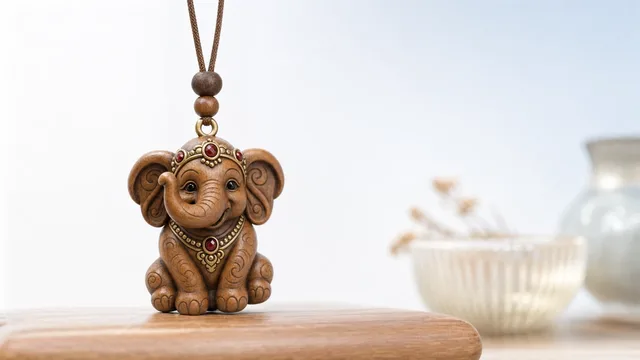
Does menu bar app CPU usage slow your Mac? Usually no, if the app rests when idle. Here is what actually costs CPU and battery, and how to check.
Evil Eye Screensaver vs a Live Nazar on Screen
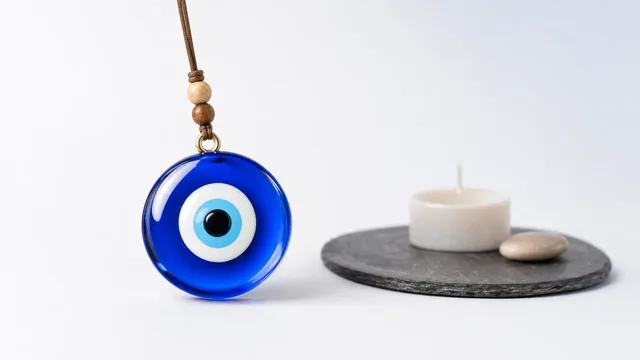
An evil eye screensaver only shows when you step away; a live nazar hangs and sways while you work. Here is which one actually marks your moments.
Evil Eye Wallpaper for Mac vs a Charm That Moves
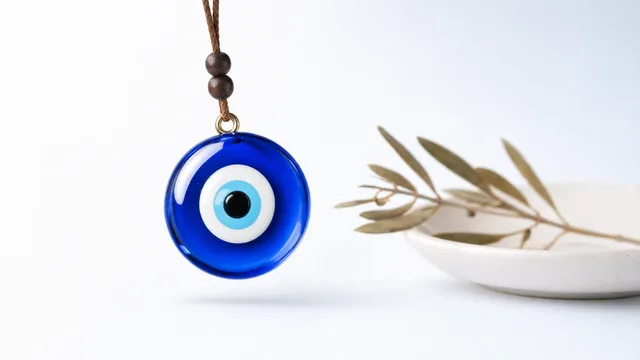
An evil eye wallpaper mac is a still image behind your icons; a live charm hangs, sways and reacts. Here is which one actually marks your moments.
Hanging Charm on Mac Screen: How It Works
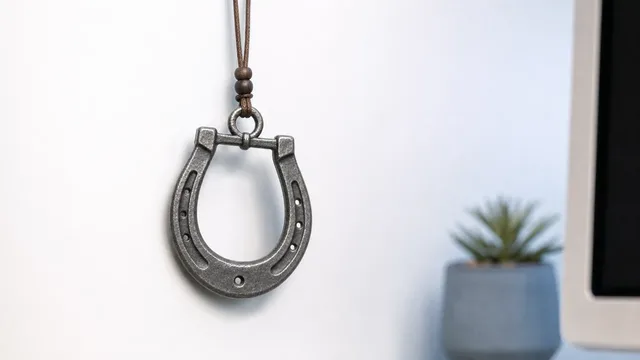
A hanging charm on your Mac screen dangles from the top edge on a cord with real physics, sways, reacts to the cursor, and clicks straight through.
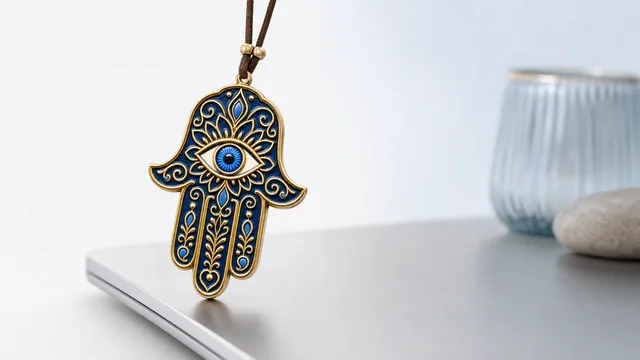
Lucky Charm for Windows PC: What's Coming
A lucky charm for Windows is coming soon, and the same key will cover it. Here is what the Mac version does today and what to expect on a PC.
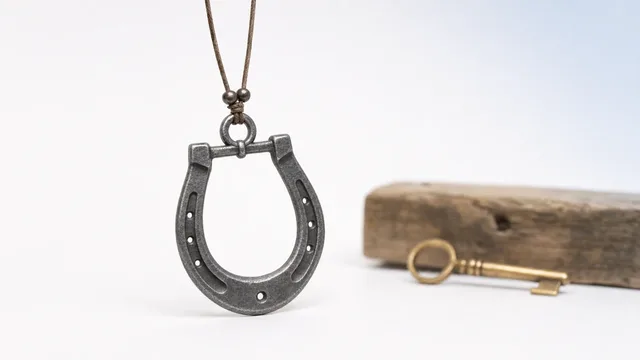
Mac Apps Without Subscriptions: One-Time Purchases
Mac apps one time purchase, no subscription: what to look for, which categories still sell outright, and why buying once can beat renting forever.
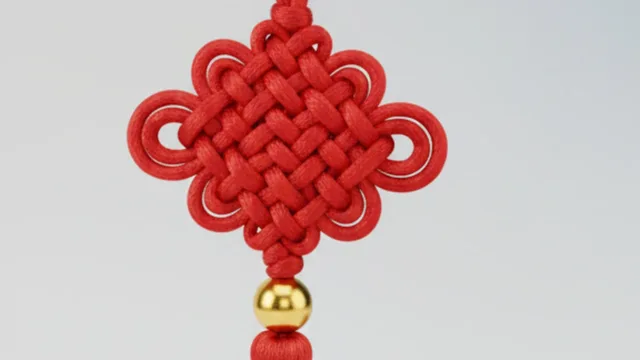
Mac Desktop Customization Ideas That Stay Tasteful
Mac desktop customization done tastefully: wallpaper, icons, widgets, menu bar and a calm charm, without turning your screen into clutter.

Mac Hotkeys for Menu Bar Apps (⌥⌘ Explained)
Mac global hotkeys let a menu bar app answer a keystroke from any window. Here is how ⌥⌘ combos work and how to pick ones that never clash.

Mac Menu Bar Apps Explained for Non-Engineers
Mac menu bar apps are small tools in the top strip of your screen. Here is what they are, how they differ from Dock apps, and why they help.
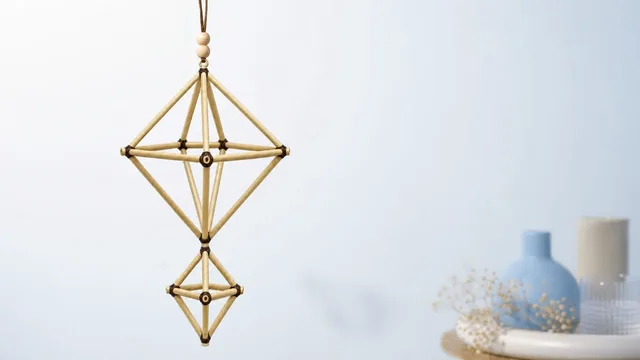
Mac Overlay Apps: Widgets, Pets and Charms Compared
Mac overlay apps float on top of your screen. Here is how widgets, pets and charms differ, and which overlay suits a calm, uninterrupted desk.
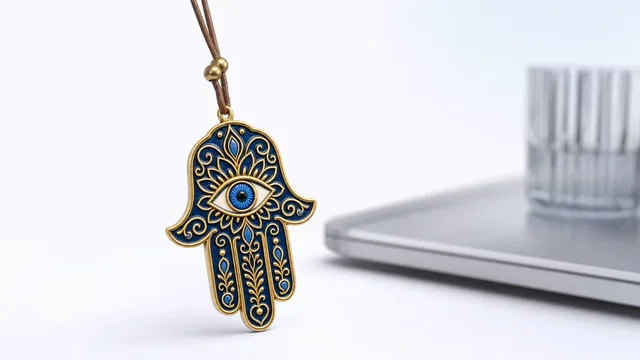
Menu Bar Charm for Mac: A Tiny Ritual Up Top
A menu bar charm for Mac lives behind a small icon in the top strip and hangs a lucky charm on your screen, adding a tiny ritual without clutter.
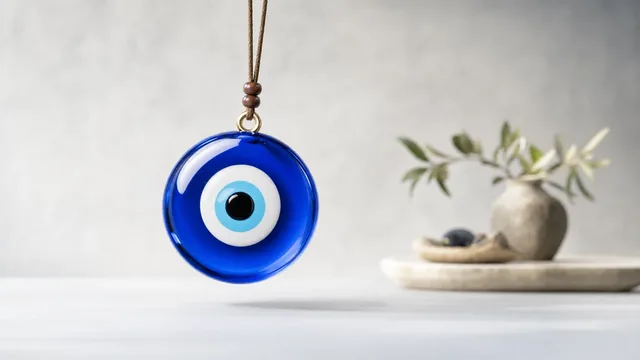
Screen Dangle App: What It Is and How It Works
A screen dangle app hangs an object from the top of your display on a cord with real physics, and clicks straight through so it never blocks your work.