Book My Luck
Click-Through Windows on Mac: Why Overlays Don't Block
A click through overlay mac window sits on top of everything on your screen yet passes every click straight to the app beneath it, so it can show something without blocking your work. It does this by telling the window to ignore mouse events, which means the pointer behaves as if the overlay is not there.
Most explanations stop at "it's transparent," which misses the real mechanism: transparency is about pixels, but click-through is about where your clicks land.
What is a click-through overlay?
An overlay is a window that floats above your normal apps. A click-through overlay adds one rule: it does not catch your clicks.
Normally, whatever window is on top receives your click. If a floating window sat over your document and captured clicks, you could not press the button underneath it.
A click-through overlay opts out of that. When you click, the system looks past it to the window below, so your click lands where you meant it to.
The visual can still be fully drawn. You see the overlay's pixels; you just cannot interact with the empty parts of it, because those parts refuse the mouse.
"Overlay" here is a capability, not a product. Many kinds of apps use click-through, from screen annotators to charms. This post explains the mechanism so you can judge any of them.
How does a click-through overlay on Mac work?
On a Mac, a window can be told to ignore mouse events. When that flag is set, clicks fall through to whatever is behind the window.
The app usually pairs that with a borderless, transparent window that floats at a high level so it stays above your other apps. The result is a picture that hovers on screen while your clicks pass through the empty space.
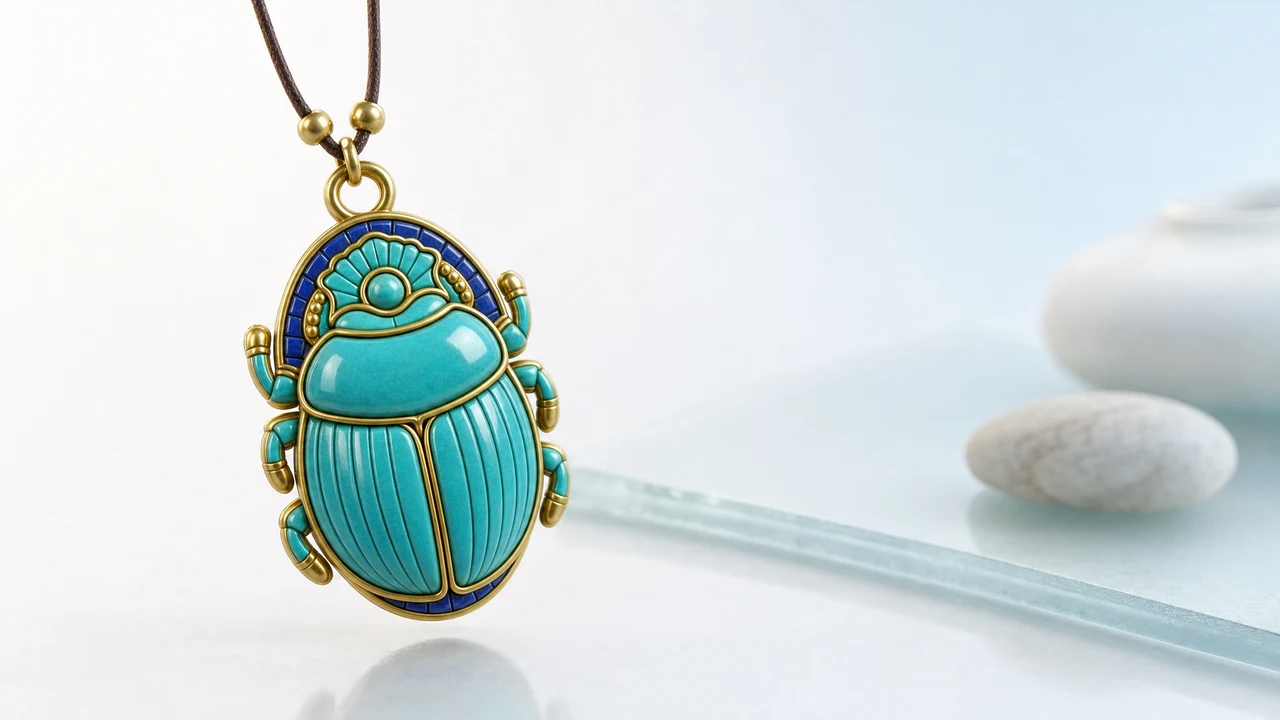
The clever versions make only part of the window interactive. The decorative pixels ignore the mouse, while a small object within the overlay can still be grabbed if the app wants that. This is exactly how a hanging charm can be flicked yet never block a button.
For the charm-specific version of this, see how a hanging charm on a Mac screen works.
Why do overlays not block your work?
They do not block because they refuse the click on purpose. The design goal is presence without interference, and click-through is how that goal is met.
Think of it like a window sticker. You can see it, but your hand goes right through the glass to whatever is behind. The overlay is the sticker; your click is the hand.
This is why a well-made screen decoration can hang there all day. Presence, not obstruction is the whole point, and click-through is the trick that delivers it.
Book My Luck uses this so its charm can hang from the top edge, sway with the cursor, and still let every button, link, and text field underneath work normally. You interact with the charm only when you deliberately reach for it.
The test for any overlay: click a button that sits directly under it. If the button responds, the overlay is truly click-through. If your click is swallowed, it is just a floating window, and it will get in your way.
Where click-through overlays are used
Click-through is a quiet workhorse behind several kinds of Mac apps. Knowing the pattern helps you understand what you are installing.
Screen annotation and teaching tools draw arrows and highlights over whatever is on screen, then get out of the way when you click through to the app.
Heads-up displays show a small stat, timer, or reminder floating in a corner without stealing focus.
Charms and desk companions hang an object on screen for warmth and ritual, passing clicks through so they never interrupt. For a fuller comparison, see Mac overlay apps compared.
Presentation helpers put a laser dot or note over slides while the underlying app keeps running.
The common thread is that all of them want to be seen but not touched by accident. Click-through is what makes that possible.
A small comparison: overlay behaviors
Not every floating window behaves the same way. Here is how the three common behaviors differ in practice.
| Behavior | Catches your clicks? | Good for |
|---|---|---|
| Normal floating window | Yes | Tools you actively use, like a mini player |
| Click-through overlay | No | Decoration and cues that must not block |
| Hybrid (mostly through) | Only on one object | A charm you can grab but that never blocks |
The hybrid row is where a good charm sits. Most of the overlay ignores your mouse, while the charm itself can still be grabbed and flicked when you want to play with it.
Is a click-through overlay safe and light?
Safety is mostly about what the app does beyond drawing. Click-through itself is a standard, well-supported window behavior, not a hack.
The things to check are permissions and privacy. An overlay that draws a picture needs very little; one that reads your screen contents is doing more, so read what it asks for.
One honest note, since some overlays are charms. A charm is a charm, not a promise; it marks a moment and steadies you the way a ritual does, and it changes no outcomes.
Trying it for yourself
If you want to feel click-through work, the simplest test is a charm on the top edge. Hang it, then click a button directly beneath it and watch the button respond.
That single test tells you whether an overlay respects your work. Book My Luck is built around passing every click through, and its pricing is a one-time purchase if you want to try it.
The idea is small but powerful: a screen can carry something extra without ever getting in your way.
What can go wrong with a click-through overlay?
The most common failure is a window that claims to be click-through but is not. If the app forgets to set the ignore-mouse behavior, or sets it only sometimes, your clicks get swallowed and the overlay becomes an obstacle.
A subtler problem is focus stealing. An overlay that grabs keyboard focus, even while passing mouse clicks through, can interrupt your typing, so a well-built one stays out of the focus chain entirely.
Layer conflicts are the third issue. Two overlays fighting to be on top, or an overlay that sits above menus and system dialogs, can hide things you need to click. The fix is a sensible window level that stays above your apps but below the system's own critical layers. Level, focus, and click-through are the three things a good overlay gets right.
None of these are hard to avoid, but they explain why overlays vary so much in quality. The test in the callout above, clicking a button directly beneath the overlay, catches most of them in seconds.
Click-through and accessibility
Click-through has a quiet upside for accessibility: an overlay that never intercepts input cannot trap someone who relies on keyboard navigation or assistive pointing. The layer is purely visual, so the tools people depend on keep working underneath it.
The responsibility runs the other way too. A decorative overlay should never obscure a control that a screen reader or switch user is trying to reach, so keeping it small and to one edge is not just tidy, it is considerate.
A charm on the top edge fits this well. It occupies a thin strip, passes every click through, and does not touch the keyboard, so it adds warmth without standing between anyone and their work. That restraint is part of what makes a click-through overlay feel calm rather than intrusive, and it is why the best ones are barely noticed until you want them.
What does click-through mean on a Mac?
It means a window floats on top of your screen but does not catch your clicks, so the pointer reaches whatever app is underneath. The overlay is visible but not interactive in its empty areas, so it never blocks a button.
How does an app pass clicks through its window?
The app sets its window to ignore mouse events, which tells the system to send clicks to the window behind it. It usually pairs that with a transparent, borderless, always-on-top window so the picture floats while your clicks fall through.
Will a click-through overlay block my buttons?
A true click-through overlay will not. You can click a button that sits directly beneath it and the button still responds. If a floating window swallows your click, it is not click-through and will get in the way.
Do click-through overlays slow down a Mac?
Only if they animate constantly. A static or gently swaying overlay is idle most of the time and uses very little, while one that redraws the whole screen nonstop costs more. Favor overlays that rest when you are not interacting.
Is a charm on my screen a click-through overlay?
Yes. A charm hangs in a click-through overlay so it can sway and be grabbed while every click underneath still works. See how the hanging charm works for the charm-specific details.
Book My Luck today
Book My Luck is a desktop decoration for macOS 14+ and Windows 10/11. The desktop outside the charm remains clickable. The current Mac and Windows downloads are version 1.0.32, signed by KAK DIGITAL LLC. On Mac, Charm Centre controls size, cord length, placement, displays and motion. Collections and controls can differ between Mac and Windows.
There is no calendar integration, booked-moment scheduler or native-app free trial. Explore the website demo and regional pricing. One key activates one computer at a time; activation and license refresh require internet. Preferences are local, but purchasing, activation and website analytics use online services described in the privacy policy.
Hang one for the moment that matters
Book My Luck hangs a rendered charm from your Mac or Windows screen, with rope physics and manual interaction. Check the current platform release and regional price before buying.
Get Book My Luck →