Book My Luck
Desktop Pet vs Desktop Charm: Which Suits You?
A desktop pet mac is a small animated creature that wanders your screen and asks for a little attention, while a desktop charm is a still-but-alive lucky object that hangs from the top edge and stays out of your way. If you want company and play, pick a pet; if you want a quiet cue that never interrupts, pick a charm.
Most comparisons stop at "cute versus cute" and miss the real split, which is about how much of your attention each one wants back.
What is a desktop pet on a Mac?
A desktop pet mac is a program that puts a moving character on your screen. It might walk along your Dock, chase your cursor, or nap in a corner until you poke it.
The whole point of a pet is interaction. It reacts, it wanders, and often it has needs you tend to, the way a virtual creature does.
That is lovely when you want a companion nearby. It can also become one more thing pulling at your eyes when you are trying to finish a hard task.
Pets usually sit in a layer above or below your windows and animate on a loop. The good ones are gentle; the busy ones can feel like a second cursor you did not ask for.
"Pet" and "charm" are categories, not brands. This post compares what each kind of app does, not any specific product, so you can judge by behavior rather than by a logo.
What does a desktop charm do differently?
A charm swaps motion-for-attention for presence. Instead of a creature that roams, you get a single object hanging on a thin cord from the top edge of the screen, swaying with real rope physics.
It reacts to your cursor and can be grabbed and flicked, but it does not chase you or ask to be fed. The default state is calm, not needy.
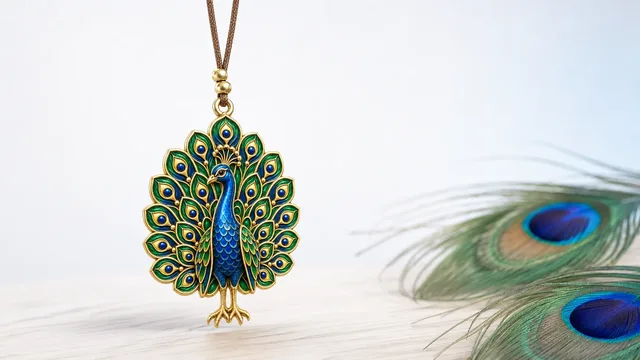
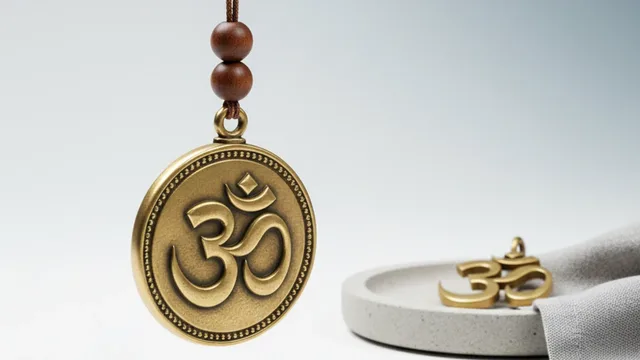
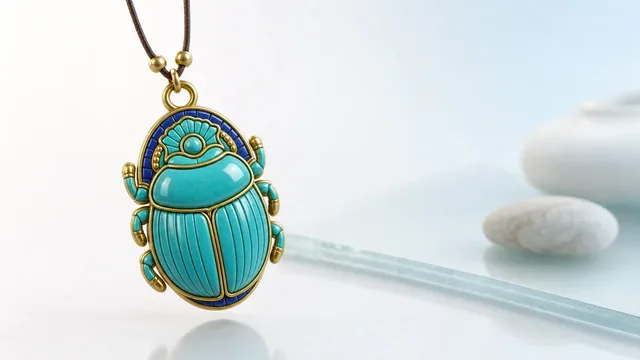
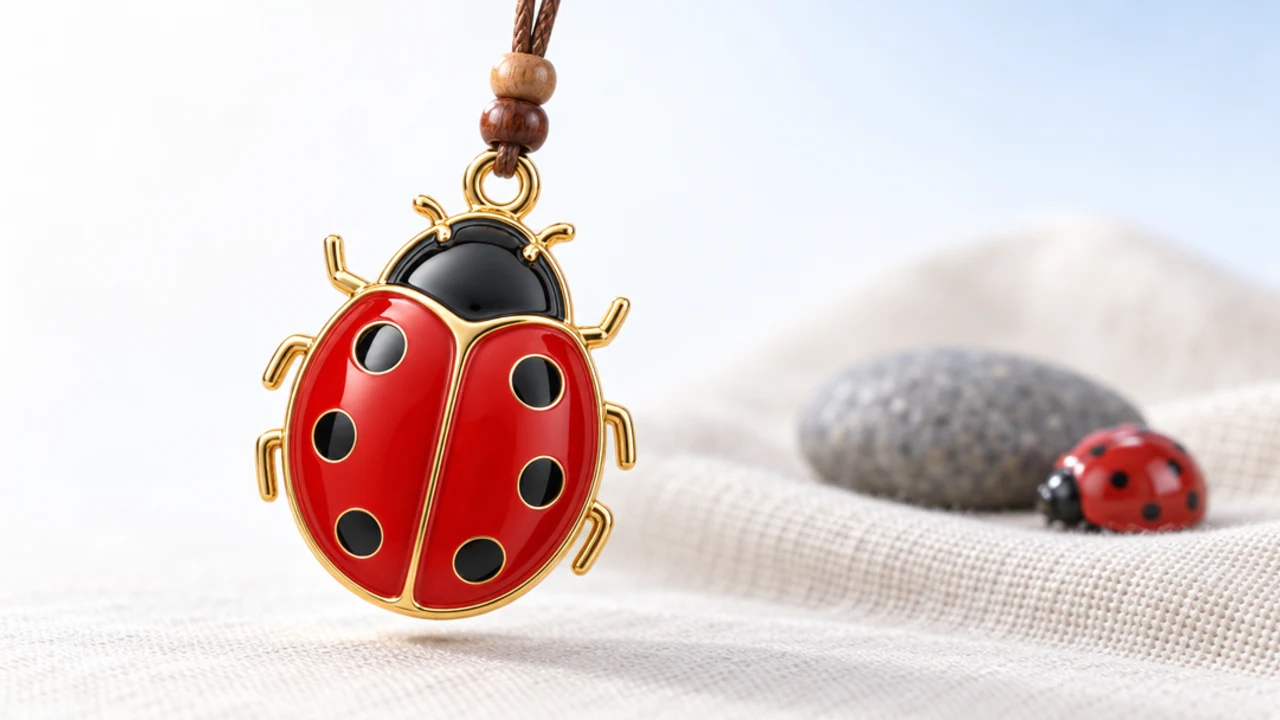
The other big difference is that a charm carries meaning. A blue evil eye, a horseshoe, a four-leaf clover, a small brass bell each come from a real tradition, so the object on your screen is a symbol you chose, not a random mascot.
Book My Luck is one example of the charm approach: it hangs one lucky charm per screen behind a small menu-bar icon, and everything under the charm clicks straight through. You can read more about the mechanics in how a hanging charm on a Mac screen works.
Here is the honest part, because it matters. A charm is a charm, not a promise. It works the way a lucky pen or a pre-game ritual works: it marks the moment, steadies you, and gives you a story. It will not pass your exam or fix your deploy.
Desktop pet vs desktop charm: a side-by-side
Both live on your desktop and both can be delightful. They differ in what they want from you and how loud they are while you work.
Desktop pet
- Main appeal: company and play; a creature that reacts and roams.
- Attention it wants: ongoing; it moves, so your eye follows.
- Interaction: feed, poke, chase, sometimes mini-tasks.
- Meaning: usually none; it is a mascot.
- Best for: people who like a lively screen and do not mind the motion.
Desktop charm
- Main appeal: a calm, meaningful object that hangs and sways.
- Attention it wants: almost none; presence, not motion.
- Interaction: an optional flick or grab, then it settles.
- Meaning: rooted in a named tradition you pick.
- Best for: people who want a quiet cue and a clear screen.
The short version: a pet is a friend you check on, and a charm is a talisman you glance at. Neither is better in the abstract; they suit different temperaments.
Which one suits how you work?
Start with a plain question about your own attention. If a moving thing on screen makes you smile and does not derail you, a desktop pet mac will earn its place.
If you already fight distraction, motion is a tax. In that case a charm that mostly holds still is the safer pick, because a still object reads as calm, and you can ignore it until you want it.
Think about meaning next. A pet is decoration; a charm is a small ritual object. If you like the idea of hanging a nazar before an interview or ringing a bell before you ship, the charm side speaks your language.
Then think about intrusion. A well-made charm clicks through every pixel underneath it, so it never blocks a button. For more on that, see why click-through overlays don't block your work.
Try the calmest version first. If you crave more life on screen after a week, add a pet. It is easier to add liveliness than to remove a distraction you have gotten used to.
Finally, think about upkeep. Pets often want interaction to stay charming; a charm asks for nothing and simply hangs there, ready when you glance up.
Do desktop pets or charms slow down a Mac?
Both can be light or heavy depending on how they are built. The deciding factor is animation: a creature that moves constantly redraws the screen more often than an object that mostly rests.
If low overhead matters to you, favor whichever app rests when you are not looking at it, pet or charm. Constant motion is the thing to watch, not the category name.
Where each one lives on your screen
A pet tends to roam the whole desktop, above or below your windows, depending on the app. That freedom is part of the fun, and part of why it can wander into your eyeline.
A charm has a fixed home: the top edge, hanging down on its cord, one per display. That predictability is a feature, because you always know where to look and where not to look. If you use several monitors, one charm per screen keeps each display calm without clutter.
Both approaches can be tasteful. The charm simply trades range for restraint, and many desk-focused people prefer that trade.
A charm can also be triggered from the tools you already use. A URL scheme and hotkeys mean you can bless the next moment from a keyboard shortcut or a Shortcut you built, so the object on screen ties into your real routine rather than just living beside it.
A pet, for its part, does something a charm never will: it keeps you company in an open-ended way, and for a lonely work-from-home afternoon that is worth a lot. Company versus cue is the honest way to frame the whole choice.
Which lasts longer as a companion?
Novelty is the thing to watch with both. A pet can charm you for weeks and then start to feel like clutter once the animations repeat, especially if it wants ongoing interaction you stop giving.
A charm ages differently because it asks for so little. It mostly rests, so there is nothing to tire of; you glance at it when you want to and ignore it the rest of the day, which is why a calm object tends to stay welcome longer.
That said, some people genuinely thrive on a lively screen, and for them a pet never gets old. The right test is honest self-knowledge: if past widgets and mascots faded fast for you, lean toward the charm; if a moving companion consistently lifts your mood, the pet is your answer.
Whichever you pick, remember the honest frame. A charm is a charm, not a promise, and a pet is company, not magic; both are for how you feel while you work, not for changing what happens next.
What is a desktop pet on a Mac?
A desktop pet mac is a small animated character that lives on your screen, wanders around, reacts to your cursor, and often asks for a bit of interaction. It is meant as company and play rather than as a tool.
Is a desktop charm the same as a desktop pet?
No. A pet roams and wants attention; a charm hangs from the top edge, sways gently, and stays out of the way. A charm also carries a cultural meaning you choose, while a pet is usually just a mascot.
Which is less distracting while I work?
A charm, in most cases, because it mostly holds still and clicks through everything beneath it. A pet's constant motion pulls the eye, which is charming when you want it and costly when you are trying to focus.
Can I have a lucky charm instead of a cartoon creature?
Yes. If you want the calm-and-meaning side rather than the play side, a charm app hangs a real symbol like a nazar, horseshoe, or bell on your screen. You can compare options in our roundup of cute Mac apps that live in the menu bar.
Does a charm cost a subscription?
Not always. Book My Luck, for example, is a one-time purchase with no subscription; you can see the current pricing. Many pets are free but ad-supported, so weigh what you actually give up.
Will either one help my luck?
Neither changes outcomes. A charm marks a moment and steadies your nerves, the way a ritual does, and a pet lifts your mood; both are for feeling, not for magic. Enjoy them as that and you will not be disappointed.
Book My Luck today
Book My Luck is a desktop decoration for macOS 14+ and Windows 10/11. The desktop outside the charm remains clickable. The current Mac and Windows downloads are version 1.0.32, signed by KAK DIGITAL LLC. On Mac, Charm Centre controls size, cord length, placement, displays and motion. Collections and controls can differ between Mac and Windows.
There is no calendar integration, booked-moment scheduler or native-app free trial. Explore the website demo and regional pricing. One key activates one computer at a time; activation and license refresh require internet. Preferences are local, but purchasing, activation and website analytics use online services described in the privacy policy.
Hang one for the moment that matters
Book My Luck hangs a rendered charm from your Mac or Windows screen, with rope physics and manual interaction. Check the current platform release and regional price before buying.
Get Book My Luck →