Book My Luck
Cute Mac Apps That Live in the Menu Bar
Cute Mac apps that live in the menu bar are small tools that add a bit of warmth or play to your screen while staying out of your way. The good ones are light and quiet, giving you a smile or a small ritual in a glance rather than a window that demands attention.
Most lists of cute apps just throw names at you. It is more useful to think in categories, so you can pick the kind of charm that fits your desk rather than chasing a specific icon.
What makes a cute Mac app worth keeping?
Cuteness wears off fast if the app is heavy or noisy. The ones that stay on your Mac for months share the same quiet manners as any good menu bar tool.
They run light, they never nag, and they hide cleanly when you want to focus. A cute app earns its place by being delightful and invisible at once, which is a harder balance than it sounds.
The difference between charming and annoying is usually restraint. A tiny animation you notice once an hour is a joy; the same thing looping in your peripheral vision all day is a distraction you will kill within a week.
The keepers also tend to mean something. A tool tied to a small daily ritual outlasts a pure gag, because the ritual gives you a reason to keep it long after the novelty fades.
There is a tasteful middle ground worth aiming for. The nicest desks are not the ones crammed with animated toys, nor the ones stripped bare; they have one or two small, characterful touches that reward a glance and then get out of the way. A cute app should feel like a plant on the desk, not a poster on every wall. That is the standard the categories below are chosen against: warmth without clutter, personality without noise.
Before you add a cute app, ask whether it will still make you smile in week three. If it only works as a novelty, it will not last. The keepers add a small ritual, not just a one-time joke.
Categories of cute menu bar apps
Here are the friendly categories worth a look, described so you can find the flavour you want. Each lives in the top strip and stays out of the Dock, in the spirit of good menu bar apps.
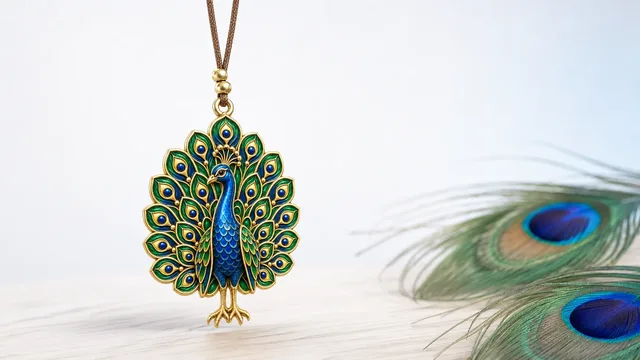
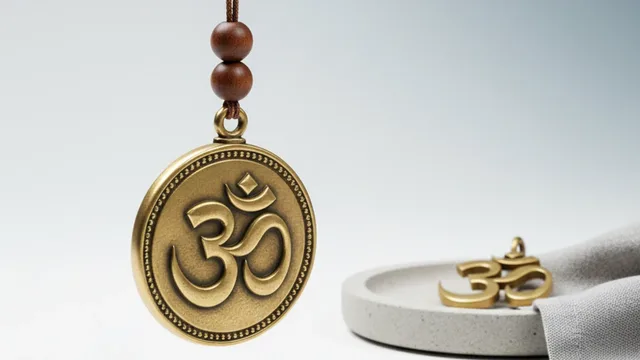
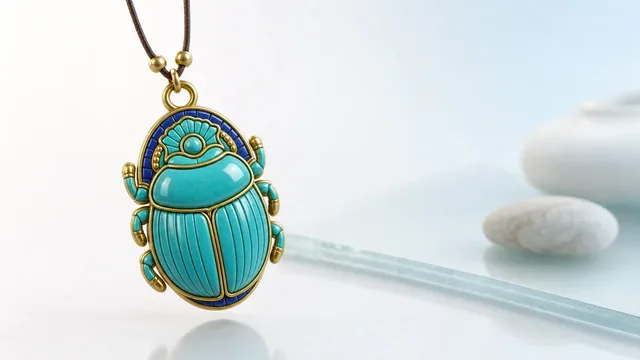
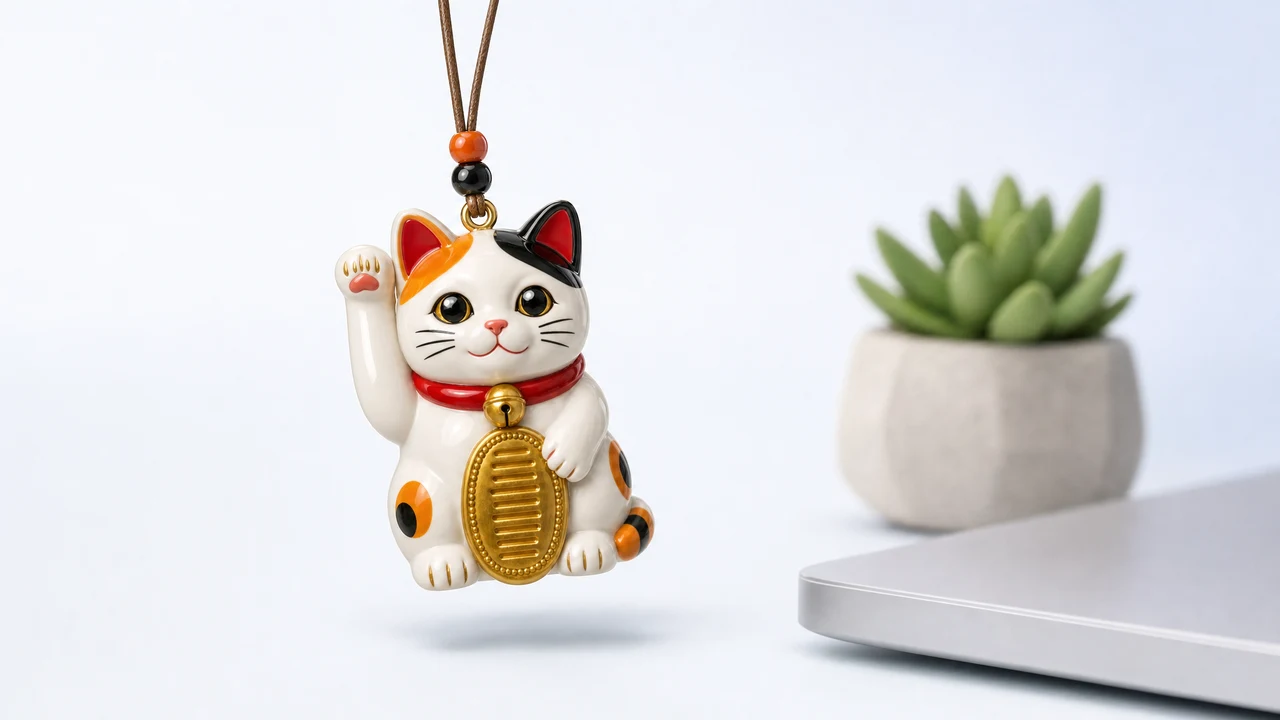
A charm on a cord
- What it does: hangs a small lucky charm from the top edge of your screen that sways and reacts to your cursor.
- Why it is cute: it feels alive without being a character that wanders your desktop.
- Watch for: whether it clicks through so it never blocks your work.
- Best for: people who want a little luck and calm, not a game.
A friendly clock or world time
- What it does: shows the time, sometimes with a soft animation or a second timezone.
- Why it is cute: a warm typeface and a gentle tick beat a plain number.
- Watch for: readability at a glance.
- Best for: anyone working with people in other timezones.
A weather glance
- What it does: puts the current conditions in the strip with a small icon.
- Why it is cute: a tiny sun or cloud is a nicer nudge than opening a browser.
- Watch for: how often it phones out for data.
- Best for: people who like to know before they step out.
A clipboard with personality
- What it does: remembers what you copied so you can paste from a short history.
- Why it is cute: some present the history in a tidy, playful panel.
- Watch for: whether the history stays on your device.
- Best for: writers and coders who copy all day.
Notice that only the first category is really about charm and character; the rest are useful tools that happen to be nicely made. A well-rounded top strip usually has one of each, so it is useful and cheerful rather than only one or the other. For the tools aimed squarely at calm and focus, the best Mac apps for a calm desk roundup goes deeper.
Is a charm cuter than a desktop pet?
They scratch a similar itch but sit very differently on your screen. A desktop pet is a character that lives on your wallpaper and moves around; a charm hangs from the top edge and stays in its lane.
For a lot of people the charm feels more grown-up. It adds life without becoming a distraction that crawls across your work, so it suits a machine you actually get things done on.
If you are weighing the two, the full comparison is in desktop pet versus desktop charm. Neither is wrong; it comes down to whether you want a companion that roams or a marker that stays put.
There is also a maintenance angle. A pet you interact with can become a small chore; a charm asks nothing of you and is simply there, which is why it tends to survive busy weeks better.
A charm and a pet are different categories on purpose. The charm is tied to moments and meaning; the pet is tied to company and play. Pick for the feeling you want at your desk.
It hangs a lucky charm from the top of your screen on a thin cord with real rope physics, so it sways, reacts to your cursor, and can be grabbed and flicked. Everything under it clicks straight through, so it never blocks a window or a button.
The honest note that belongs here: a charm is a charm, not a promise. It marks a moment and steadies you the way a lucky pen or a pre-game ritual does, and it makes no claim about outcomes.
What tips it from cute into genuinely useful is that the charm can be tied to a moment. A toy is fun for a day; a charm you flick before a hard task, or that comes forward when your interview starts, becomes a small habit you actually want. That is the quiet reason charm apps tend to stay installed while flashier novelties get removed: the cuteness is the door, and the ritual is the room.
It also happens to be private in a way many cute apps are not. There is no account to make, no Dock icon to clutter your switcher, and nothing about your use is sent anywhere. A cute app should not be the reason a company learns your habits, and this one is built so that it cannot.
If the charm is the flavour you want, the guide to a menu bar charm for Mac covers how it behaves day to day. Book My Luck is a one-time purchase with no subscription; the pricing is a single payment for your Mac.
What counts as a cute Mac app?
Any small, well-made app that adds warmth or play to your screen without getting in the way. The best ones live in the menu bar, run light, and stay quiet until you glance at them.
Do cute menu bar apps slow down a Mac?
The well-built ones do not. Look for low, steady resource use, since these apps run all day, and avoid anything that constantly animates or phones out for data.
Is a charm app the same as a desktop pet?
No. A charm hangs from the top edge of the screen and stays in place, while a desktop pet is a character that roams your wallpaper. The charm tends to be less distracting.
Can I have several cute apps at once?
Yes, though a tidy top strip is nicer than a crowded one. A common set is a charm, a clock, and a weather glance, each earning its spot by being faster or friendlier than a full app.
Will a cute app clutter my Dock?
A good one will not. Many cute menu bar apps skip the Dock icon entirely and live only in the top strip, so your app switcher stays clean.
Book My Luck today
Book My Luck is a desktop decoration for macOS 14+ and Windows 10/11. The desktop outside the charm remains clickable. The current Mac and Windows downloads are version 1.0.32, signed by KAK DIGITAL LLC. On Mac, Charm Centre controls size, cord length, placement, displays and motion. Collections and controls can differ between Mac and Windows.
There is no calendar integration, booked-moment scheduler or native-app free trial. Explore the website demo and regional pricing. One key activates one computer at a time; activation and license refresh require internet. Preferences are local, but purchasing, activation and website analytics use online services described in the privacy policy.
Hang one for the moment that matters
Book My Luck hangs a rendered charm from your Mac or Windows screen, with rope physics and manual interaction. Check the current platform release and regional price before buying.
Get Book My Luck →