Book My Luck
Best Mac Apps for a Calm Desk Setup
The best mac apps for focus are the ones that quiet your screen rather than crowd it: Apple's Focus modes to silence noise, one simple timer to shape your sessions, a menu-bar tidier, and a single calm cue to mark the start of deep work. A calm desk setup is subtraction with one or two deliberate additions, not a pile of productivity tools.
Most "best apps" lists hand you fifteen dashboards and forget that every app you add is one more thing asking for attention.
What makes an app good for focus?
A focus app earns its place by removing friction or noise, not by adding a screen you have to check. That is the test to apply to every tool below.
Ask three questions of anything you install. Does it reduce interruptions, does it rest when you are not using it, and does it stay out of your eyeline while you work.
If a tool fails those, it is a distraction wearing a productivity costume. The best mac apps for focus disappear once they have done their job.
The other quiet truth is that fewer, calmer tools beat more, busier ones. A calm desk setup is a small kit you actually use, not a shelf of half-configured apps.
Everything here is grouped by category so you can pick what fits. Where a category is a matter of taste, we describe capabilities rather than crowning one product, so you can judge by what it does.
The best mac apps for focus, by job
Group your kit by the job each tool does. You rarely need more than one per job.
Silence interruptions. Apple's built-in Focus feature is the strongest starting point, and it costs nothing. Set a Work Focus that mutes most notifications and shows only the people and apps you truly need.
Shape the session. A single timer app, or even the built-in Clock, gives you a start and a finish. A twenty-five minute block with a clear end reduces the urge to drift.
Tidy the menu bar. A menu-bar manager hides overflow icons behind a divider so the top of your screen stays quiet. If the menu bar is unfamiliar territory, our menu bar apps primer explains the basics.
Tame windows. A window manager that snaps apps into halves and quarters keeps you from hunting through overlapping windows, which is its own small drain.
Mark the start. This is where a calm cue comes in, and it deserves its own section.
Why a calm cue beats another alert
Notifications push at you; a cue you glance at pulls you in on your own terms. That difference is the whole reason a physical-feeling object can help focus more than another badge.
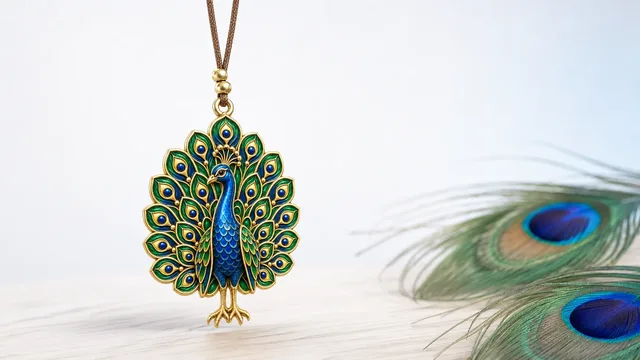
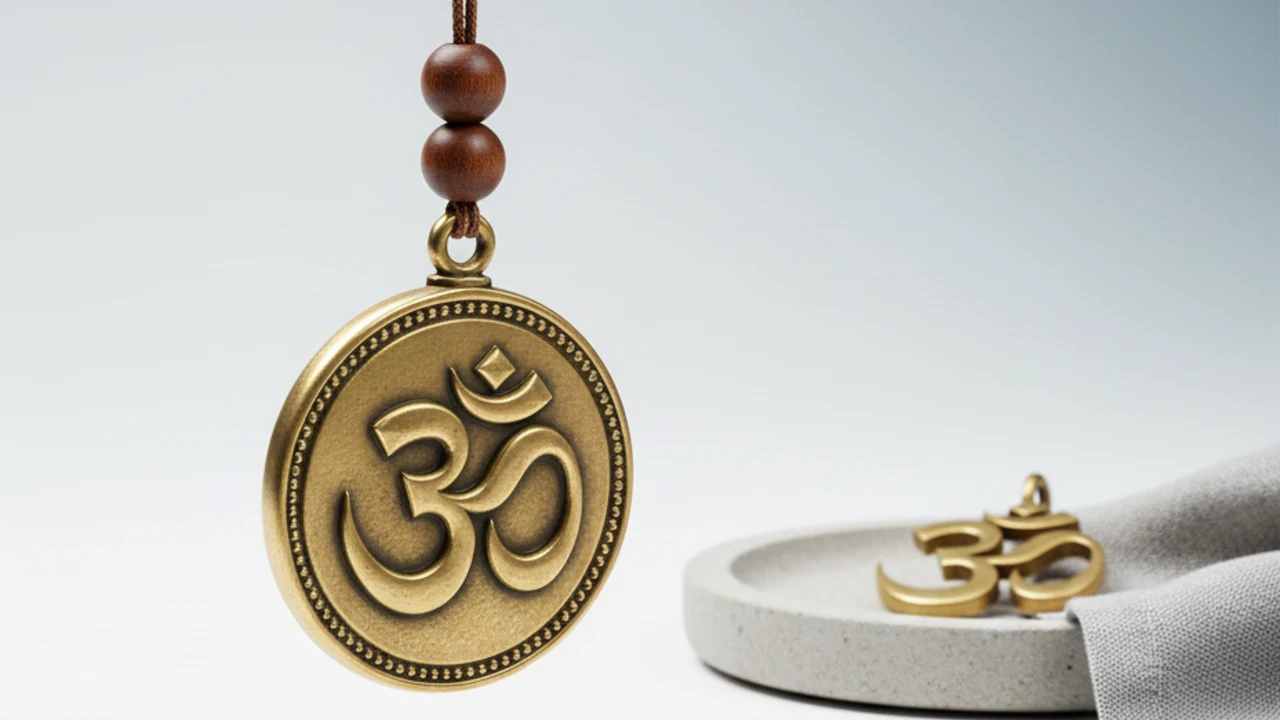
A charm hanging from the top edge of your screen is one such cue. It sways gently, clicks straight through everything beneath it, and asks for nothing, so it can mark the start of a session without becoming a distraction.
Here is the honest framing, since focus is not magic. A charm is a charm, not a promise; it marks the moment and steadies you the way a lucky pen or a pre-game routine does, and that steadying is the real, modest benefit.
If you want to build the habit around it, our guide to the desk ritual shows how a two-second cue anchors deep work.
A small comparison: three focus kits
You do not need all of these. Pick the row that matches how heavy your distraction problem actually is.
The minimalist kit
- Silence: Apple Focus, Work mode only.
- Session: built-in Clock timer.
- Cue: one charm on the top edge to mark the start.
- Best for: people who mostly need permission to unplug.
The heavy-distraction kit
- Silence: Focus plus a site or app blocker.
- Session: timer with enforced breaks.
- Cue: charm plus a tidy, single-purpose desktop.
- Best for: anyone fighting a strong pull to switch tabs.
Notice that every kit keeps the cue small and the tools few. Calm comes from fewer, quieter tools, not from stacking more of them.
How do I keep focus apps from slowing my Mac?
Favor tools that rest when idle and run few of them at once. A blocker or timer that sits quietly costs almost nothing; a tool that animates or syncs constantly costs more.
Watch background apps in particular. Close the ones you installed to try and never adopted, because each one keeps a little of your memory and battery.
A charm helps here rather than hurts, if it is built well. One that sways briefly and then settles is idle most of the time, and a menu-bar app with no Dock icon and no account keeps its footprint small. For the deeper version of this setup, see tasteful Mac desktop customization.
Once a month, open Login Items in System Settings and remove anything you no longer use. A short startup list is one of the simplest focus upgrades there is, and it is free.
Putting a calm setup together
Start with Focus and a timer, because those two solve most of the problem for free. Add a menu-bar tidier and a window manager only if clutter is actually slowing you.
Then add one gentle cue to mark the start of deep work. If you want the object to carry a little meaning, a charm on the top edge does that without ever blocking a button, and you can read more in our roundup of cute Mac apps.
That is a complete, calm kit: silence the noise, shape the session, tidy the edges, and mark the moment. If the charm idea appeals, the pricing is a one-time purchase with no subscription.
How do I turn focus apps into a routine?
Tools do not create focus on their own; a small repeated sequence does. The apps are just the props for a routine you run the same way each time you sit down.
Build the sequence once and keep it short. Turn on your Work Focus, start a timer, glance at your cue, and begin; four steps, under a minute, every session. The sameness is the point, because a repeated cue trains attention the way a warm-up trains an athlete.
Attach the routine to something you already do, rather than relying on willpower. If you always make tea before deep work, run the sequence while the kettle boils, so the habit rides on an existing one and needs no extra memory.
The result is that focus stops being a daily negotiation. The apps fade into the background and the routine carries you, which is exactly what a calm desk is supposed to do.
Keeping the kit small over time
Focus kits tend to grow, because every new app promises the last five percent of productivity. Resist that, since each addition is another thing to configure, update, and glance at.
Run a quarterly cull. Open Login Items and Activity Monitor, and remove anything you have not deliberately used in a month, no matter how clever it seemed when you installed it.
The apps worth keeping are the ones that rest when idle and disappear once they have done their job. A tidy menu bar, a timer, a Focus mode, and one calm cue is a kit you can live with for years, and fewer tools, kept longer beats a rotating shelf of new ones. That restraint is itself a focus practice.
What are the best Mac apps for focus?
Start with Apple's built-in Focus modes and a simple timer, since together they cover most of the problem for free. Add a menu-bar tidier, a window manager, and one calm cue only if you still feel scattered.
Do I need paid apps to focus on a Mac?
No. Focus modes, the Clock timer, and Login Items management are all built in and free. Paid tools are worth it only when a specific friction, like a busy menu bar or constant tab-switching, is genuinely costing you time.
Can a lucky charm actually help me focus?
Only as a cue, not as magic. A charm marks the start of a session and steadies you the way a ritual does, which can nudge you into deep work, but it changes no outcomes on its own. Treat it as a gentle anchor, not a productivity guarantee.
Will focus apps slow down my Mac?
They can if they animate or sync constantly, so favor tools that rest when idle and keep the number small. A well-built menu-bar charm and a lightweight timer use very little; a shelf of always-on dashboards uses more.
How do I mark the start of deep work?
Pick one small, repeatable action: a timer start, a specific song, or a glance at a cue you keep on screen. Our desk ritual guide walks through building that two-second habit so it sticks.
Book My Luck today
Book My Luck is a desktop decoration for macOS 14+ and Windows 10/11. The desktop outside the charm remains clickable. The current Mac and Windows downloads are version 1.0.32, signed by KAK DIGITAL LLC. On Mac, Charm Centre controls size, cord length, placement, displays and motion. Collections and controls can differ between Mac and Windows.
There is no calendar integration, booked-moment scheduler or native-app free trial. Explore the website demo and regional pricing. One key activates one computer at a time; activation and license refresh require internet. Preferences are local, but purchasing, activation and website analytics use online services described in the privacy policy.
Hang one for the moment that matters
Book My Luck hangs a rendered charm from your Mac or Windows screen, with rope physics and manual interaction. Check the current platform release and regional price before buying.
Get Book My Luck →