Book My Luck
Mac Hotkeys for Menu Bar Apps (⌥⌘ Explained)
Mac global hotkeys are keyboard shortcuts that work no matter which app is in front, so a menu bar tool can answer a keystroke while you stay in your editor. Most of them lean on ⌥ (Option) and ⌘ (Command) because that pair is the one macOS and other apps mostly leave alone.
The point people miss is that a global hotkey is not about speed. It is about not breaking your attention to reach for the mouse.
What makes a hotkey "global" on a Mac?
A normal shortcut only fires when its app is focused. Command-S saves in whatever window you are looking at, and nowhere else.
A global hotkey is registered with the system, so it fires from any window. That is why a menu bar app can respond to a keystroke even when it has no window open and no icon in the Dock.
The trade is that global hotkeys are a shared, finite space. Two apps that both claim ⌥⌘Space will collide, and the one that registered last usually wins.
A shortcut that works only inside one app is a local shortcut. A shortcut that works everywhere, from any app, is a global hotkey. Menu bar tools need the global kind.
The four modifier keys on a Mac are ⇧ Shift, ⌃ Control, ⌥ Option, and ⌘ Command. Global hotkeys almost always use two or three of them at once, because a single modifier plus a letter is nearly always taken by the app in front.
Why do menu bar apps use ⌥⌘ so often?
Because it is the quietest corner of the keyboard. ⌘ alone belongs to the focused app, and ⌃ is heavily used by the system and the terminal.
The ⌥⌘ pair, held together with a letter, is rarely claimed by anything. That makes it the natural home for a small tool that wants a shortcut users can trust to be free.
Book My Luck, the menu bar charm app I keep running, uses this exact zone. ⌥⌘L toggles the charm, ⌥⌘B blesses the moment, and ⌥⌘K books one for later.
Those three sit under one hand. Your thumb rests on Command, your ring finger finds Option, and the letter is one hop away.
Say the combo out loud as a word the first week. "Option-Command-L" becomes "toggle" in your head faster than you expect, and after that your fingers stop asking permission.
The common ⌥⌘ combos, and what tends to own them
Here is a short map of the ⌥⌘ space so you can see what is usually safe and what is already spoken for. Treat it as a starting point, not gospel, because the apps you install change the picture.
| Combo | Often used for | Safe to reuse? |
|---|---|---|
| ⌥⌘L, ⌥⌘B, ⌥⌘K | Free in most setups | Usually yes |
| ⌥⌘Space | Some search and switcher tools | Check first |
| ⌥⌘Esc | Force Quit dialog (system) | No, leave it |
The rule of thumb is simple. If a combo does nothing when you press it in an empty Finder window, it is probably free for a small tool to claim.
If it triggers a system panel, back away. ⌥⌘Esc opens Force Quit and that is not yours to take.
How to choose hotkeys you will actually remember
Pick shortcuts you can reach without looking, and tie the letter to the action. A key that starts the same letter as the verb sticks far better than a random one.
Keep the count small. Two or three global hotkeys is a set you will learn in a week, while eight is a list you will forget by Friday.
Toggle
- What it does: shows or hides the thing on demand
- Good letter: the first letter of the action, like L for a lucky charm layer
- Why it earns a slot: it is the one you press most, so it should be the easiest reach
Trigger
- What it does: fires a one-time action, like ringing a bell or blessing a moment
- Good letter: B for bless, R for run, S for start
- Why it earns a slot: it turns a two-second ritual into a single keystroke
Schedule
- What it does: books the action for a future minute
- Good letter: K for book, or a letter free on your machine
- Why it earns a slot: it lets you set something now and forget it until it matters
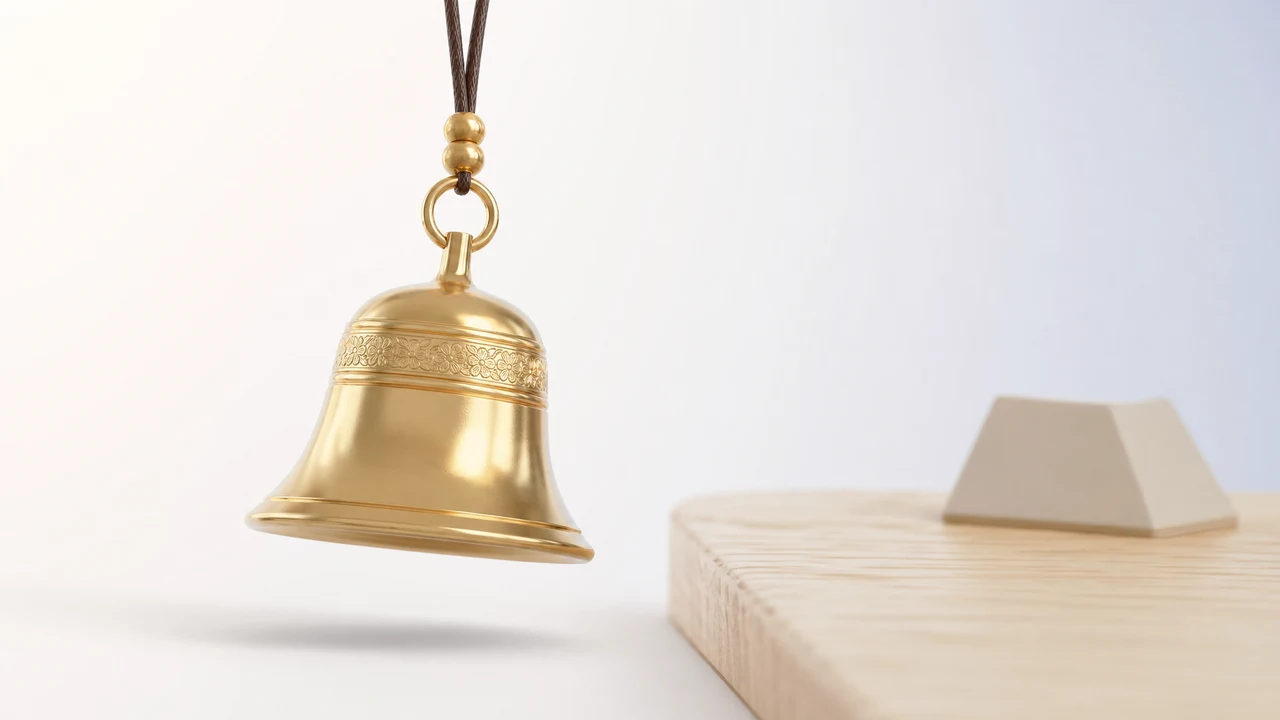
I ring the ghanta before a release, and the bell is a real Indian temple custom where sound marks a beginning and clears the room. Mapping that to ⌥⌘B means the ritual costs nothing to start, so I never skip it when I am busy.
That is the honest case for a charm on a hotkey. It is a charm, not a promise, and it works the way a lucky pen or a pre-game ritual works: it marks the moment, steadies you, and gives you a story. It does not change the odds of your deploy.
Setting and testing a global hotkey without breaking things
Most menu bar apps let you record a hotkey by clicking a field and pressing the combo. The app then tries to register it with the system and tells you if it failed.
Before you commit to one, test it from three different apps: your editor, your browser, and the Finder. A hotkey that fails silently in one app is worse than no hotkey at all.
If a combo does nothing in one app but works in others, another tool has likely grabbed it there. Change your combo rather than fighting over it, because the collision will bite you at the worst moment.
There is one more layer for people who like automation. A bookmyluck:// URL scheme means a shortcut or a script can fire the same action a hotkey does, so you can wire it into a build step or a Shortcuts flow. If that idea appeals, the piece on the Mac Shortcuts URL scheme walks through it.
For the wider picture of how these small tools sit up top and stay out of your way, the overview of Mac menu bar apps is the place to start. It explains why a tool with no Dock icon can still answer a keystroke.
If you want to understand the specific tool I keep referencing, the pieces on the menu bar charm for Mac and hanging a charm on a Mac screen cover what it does and how it stays out of your clicks.
Book My Luck itself is a one-time purchase, and you can see the two tiers on the pricing page if you want to try the hotkeys for yourself.
Do global hotkeys slow down your Mac?
No, and this is the worry that keeps people from using them. A registered hotkey is not a program running in a loop; it is a note the system holds, waiting for one exact key combination.
Until you press that combination, nothing happens. The hotkey costs nothing while it waits, so a handful of them adds no meaningful load to your machine.
The confusion comes from mixing up the hotkey with the app behind it. The app itself uses a little memory to stay in the menu bar, but the shortcut that wakes it is essentially free.
If a small menu bar tool ever does feel heavy, the cause is almost never its hotkeys. The wider question of what these tools cost your Mac is worth understanding on its own, and it rarely traces back to a keystroke.
A global hotkey is a listener, not a task. It sleeps until its exact combo is pressed, which is why you can register several without noticing any difference in speed or battery.
How hotkeys, URL schemes and menus fit together
A single action can usually be reached three ways, and each suits a different habit. Knowing which is which stops you from reaching for the mouse out of habit.
The hotkey is for the thing you do often, from anywhere. One combo, any window, no menu to open first.
The menu bar icon is for the occasional action, the one you do not need under your fingers. You click the little icon, you pick the item, you move on.
The URL scheme is for automation, when a script or a Shortcut should fire the action rather than a person. That is how a charm can ride along with a build step instead of a keypress.
Most people settle on two or three hotkeys for the daily actions and leave the rest in the menu. That split keeps the shortcut set small enough to remember while still covering the moments that matter.
FAQ
What is the difference between a shortcut and a global hotkey on a Mac?
A shortcut usually works only inside the app that is focused, like Command-S to save in your editor. A global hotkey is registered with the system and fires from any app, which is what lets a menu bar tool respond while you are working somewhere else.
Why do so many Mac apps use Option and Command together?
Because that pair is the quietest part of the keyboard. Command alone belongs to the focused app and Control is busy with the system and the terminal, so ⌥⌘ plus a letter is the combination most likely to be free for a small tool to claim.
How many global hotkeys should I set up?
Two or three is the sweet spot. You will learn a small set in about a week through muscle memory, while a long list of combos tends to blur together and get forgotten.
What happens if two apps use the same hotkey?
They collide, and usually the app that registered the combo most recently wins. The other app's hotkey then does nothing, often silently, so pick combos that are free and test them from a few different apps before you rely on them.
Can I trigger a menu bar action without a hotkey?
Yes. Some apps expose a URL scheme, so a script or a Shortcuts action can fire the same behavior a hotkey does. That is handy when you want an action to run as part of a build or an automation rather than a keypress.
Are global hotkeys safe to leave running all the time?
They are. A registered hotkey sits idle until you press the exact combo, so it uses no meaningful resources while it waits. The only real risk is a clash with another app, which you solve by choosing a free combo.
Hang one for the moment that matters
Book My Luck hangs a rendered charm from your Mac or Windows screen, with rope physics and manual interaction. Check the current platform release and regional price before buying.
Get Book My Luck →