Book My Luck
Lucky Charm for Windows PC: What's Coming
A lucky charm for Windows is coming soon, and the plan is for the same key to cover it when it lands. Today the app is live on Mac only, as a small menu bar tool that hangs a charm from the top of your screen.
Most write-ups treat "coming soon" as a brush-off. The honest version is more specific, so here is what exists now and what a PC build has to solve before it ships.
Is there a lucky charm for Windows right now?
Not yet. The current app runs on macOS 14 or later, and a Windows PC build is on the roadmap rather than in your hands today.
That matters because the two systems draw windows differently. A charm that hangs from the screen edge and lets your clicks pass straight through relies on how the operating system layers windows, and that layer is not the same on Windows.
So the Mac version is not a case of the developer ignoring PC users. It is a case of one platform being ready and the other needing its own work to feel right.
"Coming soon" here means the feature is planned and the purchase is meant to carry across, not that a PC version secretly exists behind a paywall. The Mac app is the only live build today.
What does the Mac version do today?
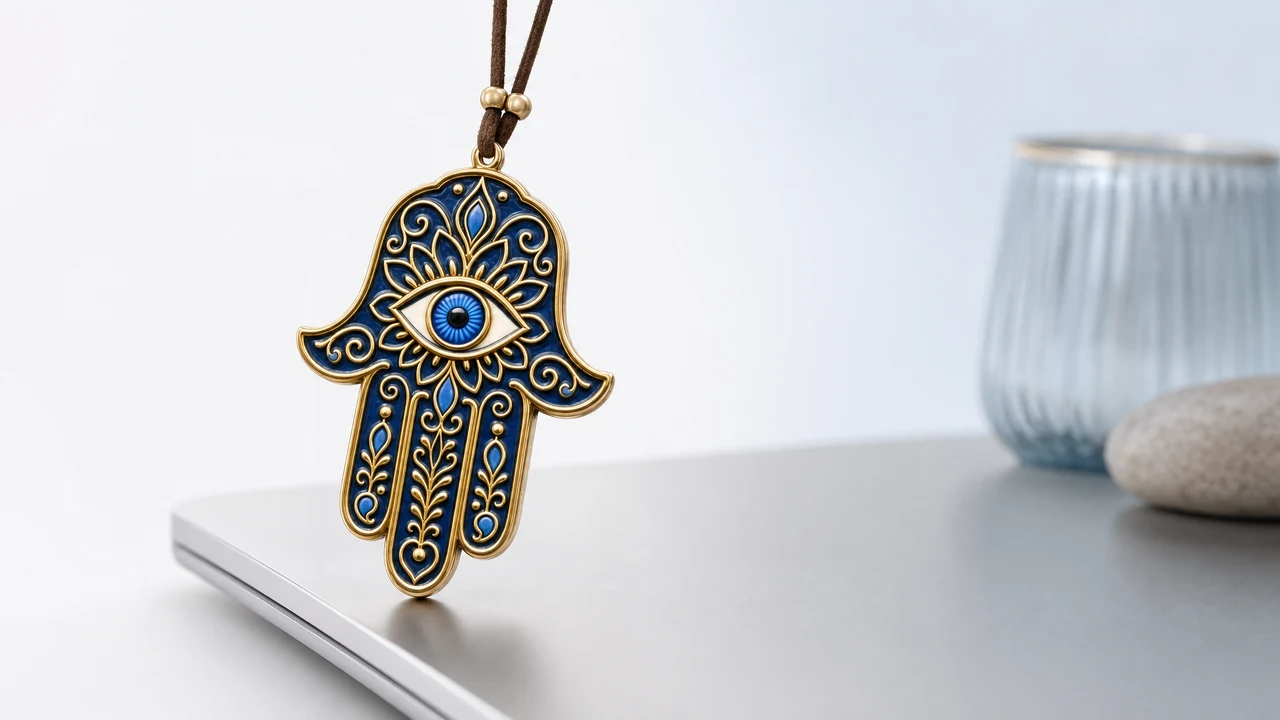
It lives in the menu bar behind a small blue evil eye, with no Dock icon and no account to set up. Opening it shows a little window where you activate and find the menu.
From there you pick a charm and it hangs from the top edge of the screen on a thin cord, with real rope physics. It sways, reacts to your cursor, and can be grabbed and flicked.
Everything under it clicks straight through, so it never blocks your work. If you want the full mechanism, the piece on the screen dangle app explains how the click-through part works.
The charm is a charm, not a promise. It works the way a lucky pen or a pre-game ritual works: it marks the moment, steadies you, and gives you a story. It makes no claim on your exam, your interview, or your deploy.
Will my key work on Windows when it launches?
That is the intent. The design is one key, both platforms, so buying now on a Mac is meant to cover the PC build once it exists.
A key is locked to the machine it activates on, and support releases a seat by hand if you replace a Mac. The Windows plan follows the same spirit: your purchase is for the app, not for a single operating system.
Here is how the two tiers line up so you can see what a key covers.
| Option | What you get | Price |
|---|---|---|
| Complete app | One license for one Mac or Windows computer | US$9.99 or local equivalent |
| Gift packs | 3, 5, 10 or 20 separate licenses, one per person | Buy 2 get 1 free, up to buy 10 get 10 free |
Prices are one-time and shown in your local currency where supported. All sales are final, and checkout is secure with cards and local payment methods where available.
If a one-time purchase with no subscription is the part that appeals to you, the piece on Mac apps with one-time purchases makes the wider case.
What should a PC version get right before it ships?
The same three things the Mac version is built around, or it is not worth shipping. A charm that fails any of these becomes a nuisance rather than a small comfort.
I would rather wait for a PC build that nails click-through than get one that blocks a click during a deploy. That single failure would undo the whole idea.
Can I use the Mac version in the meantime?
Yes, if you have a Mac around. The app runs on macOS 14 or later and installs as a menu bar tool, so if you split your time between machines you can start on the Mac today.
For the shape of these small tools and why one can live up top without getting in the way, the overview of Mac menu bar apps is the clearest starting point. It also covers why a menu bar tool has no Dock icon.
If the charm-on-screen idea is new to you, hanging a charm on a Mac screen walks through what it looks like in daily use. You can see the current tiers on the pricing page whenever you are ready.
Why not just ship a rough Windows build now?
Because a rough one would be worse than none. A charm that flickers, blocks a click, or drops frames stops being a small comfort and becomes a thing you rush to uninstall.
The Mac version earns its keep by being quiet and reliable. A first impression is hard to redo, so a PC build has to arrive at that same standard rather than as a beta that limps.
There is also a trust cost to shipping early. A tool that promises "coming soon" and then delivers something broken teaches people to ignore the next promise.
So the plan is to wait until the click-through and the quiet feel are both right on Windows. That is slower, but it is the version worth putting your name to.
If you want to be told the moment a PC build lands, the honest move is to keep an eye on the site rather than trust any date floating around. No firm date exists yet, so anyone quoting one is guessing.
The parts that differ are the ones tied to the operating system. How windows layer, how a tool sits in the tray or taskbar, and how click-through is done all need Windows-specific work.
Here is the short version of what to expect to feel familiar and what will simply work differently under the hood.
The aim is that a Mac user moving to a PC, or the reverse, feels at home. Same charms, same idea, same honest framing.
Is Book My Luck available on Windows?
Not yet. It runs on macOS 14 or later today, and a Windows PC version is on the roadmap. The plan is for the same key to cover the PC build when it ships.
If I buy now on a Mac, do I have to pay again for Windows?
No, that is the intent behind the one-key design. Your purchase is meant to cover the PC build when it launches, the same way the Lucky and Extra Lucky tiers already cover their machines.
Why is the Mac version out first?
Because the charm hangs from the screen edge and lets clicks pass through, which depends on how the operating system layers windows. That layer works one way on macOS and needs its own work on Windows, so the Mac build was ready first.
When exactly will the Windows version arrive?
There is no firm date to quote, and inventing one would be dishonest. It is planned, and the click-through behavior is the piece that has to feel right before it ships.
What does the charm actually do for luck?
It marks a moment and steadies you, the way a lucky pen or a pre-game ritual does. It is a charm, not a promise, and it makes no claim on the outcome of an exam, interview, or launch.
Book My Luck today
Book My Luck is a desktop decoration for macOS 14+ and Windows 10/11. The desktop outside the charm remains clickable. The current Mac and Windows downloads are version 1.0.32, signed by KAK DIGITAL LLC. On Mac, Charm Centre controls size, cord length, placement, displays and motion. Collections and controls can differ between Mac and Windows.
There is no calendar integration, booked-moment scheduler or native-app free trial. Explore the website demo and regional pricing. One key activates one computer at a time; activation and license refresh require internet. Preferences are local, but purchasing, activation and website analytics use online services described in the privacy policy.
Hang one for the moment that matters
Book My Luck hangs a rendered charm from your Mac or Windows screen, with rope physics and manual interaction. Check the current platform release and regional price before buying.
Get Book My Luck →