Book My Luck
Lucky Charm App for Mac: Hang One From Your Screen
A lucky charm app for Mac hangs a small charm from the top edge of your screen, on a thin cord that sways and reacts to your cursor. It lives quietly and lets everything underneath click straight through, so it never gets in the way of a single click.
Most people picture something loud and distracting when they hear "app on my screen." The good version is the opposite: a small object you half-forget until a moment matters.
What does a lucky charm app for Mac actually do?
It pins one charm to the top of your display and lets it dangle. The cord obeys real rope physics, so the charm sways, settles, and reacts to your cursor the way a pendant would on a real string.
You can nudge it, grab it, and give it a flick. Then it goes back to hanging there, small and calm, while you work.
On a Mac, this kind of thing runs from the menu bar. A lucky charm app for Mac sits behind a little blue evil eye up top, and opening it shows a small window where you activate and find the menu.
A lucky charm app for Mac is a hanging charm on a cord, not a widget you manage. You see it, you forget it, and it is there when the moment comes.
How does it stay out of the way?
The trick is click-through. The charm draws on a layer above your windows, but the input goes to whatever is underneath, so your clicks and drags land exactly where you aimed them.
That means you can code, write, or design with a charm swaying over the corner and never lose a keystroke. It is decoration that behaves like it is not there.
You also get three ways to place it. Over everything keeps the charm in front, Behind windows tucks it under your apps for a subtler feel, and Hidden puts it away without quitting.
On a multi-display setup, you get one charm per screen. That keeps things tidy rather than cluttered, so a two-monitor desk does not turn into a mobile of swinging beads.
Think of an exam at nine, an interview at two, a deploy at five. You set it once, and the charm marks the minute for you without a buzzing notification or a red badge.
For people who script things, there is a bookmyluck:// URL scheme and a few hotkeys. Book My Luck responds to ⌥⌘L to toggle, ⌥⌘B to bless, and ⌥⌘K to book, which is enough to wire it into Shortcuts or a git hook.
open "bookmyluck://bless"That one line, dropped into a script, gives the charm a small on-cue moment before you ship. It is a desk ritual you can automate without thinking about it again.
The list spans cultures, so you can pick the one that means something to you. Below are a few common starting points, described with their real origins.
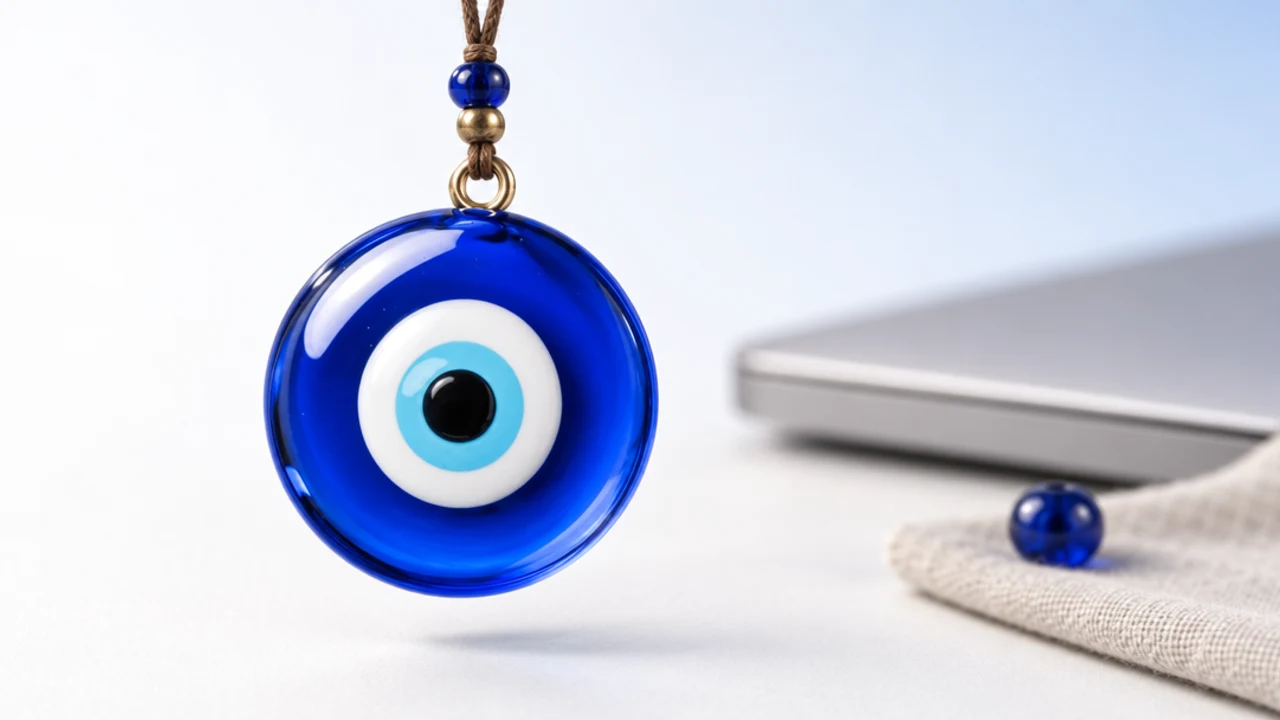
Nazar boncuğu
- From: Turkey and the Mediterranean, the blue glass evil eye.
- Ritual: give it a flick.
- Feels like: a small guardian in the corner. More on the evil eye meaning if you want the background.
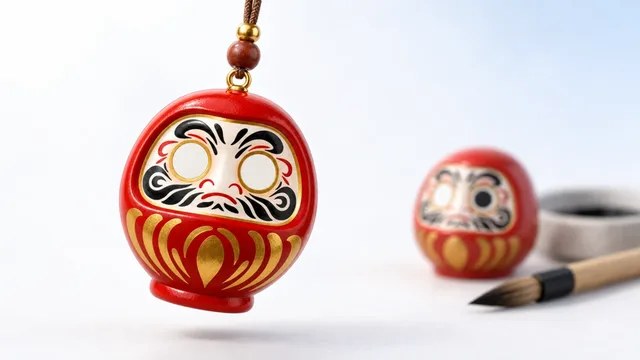
Daruma
- From: Japan, the round red goal doll.
- Ritual: paint one eye when you set a wish, the other when it comes true.
- Feels like: a promise you made to yourself, sitting in view.
Maneki-neko
- From: Japan, the beckoning cat.
- Ritual: the raised paw waves.
- Feels like: a friendly nudge before something social, like a pitch or a call.
Ghanta
- From: India, the temple bell.
- Ritual: ring the bell.
- Feels like: a clean line between "before" and "start."
If you cannot decide, start with the charm tied to your next real moment. A bell before a deploy, a cat before a pitch, a clover before game day.
Here is the short version.
| Option | What it does | Best for |
|---|---|---|
| Wallpaper or sticker | Static, always behind windows | A quiet background you rarely see |
| Menu bar charm | Moves, reacts, books moments | A cue you want at a specific time |
Neither is wrong. If you want a charm that simply marks a moment and then gets out of the way, the moving one earns its keep.
For the wider picture of where these traditions come from, the lucky charm meanings around the world guide walks through each origin with respect.
What does it cost, and is there a catch?
The pricing is one-time, with no subscription and no free trial. The complete app for one computer is US$9.99, or the equivalent shown in your local currency.
Gift packs are separate licenses, one for each person: buy 2 and get 1 free, buy 3 and get 2 free, buy 6 and get 4 free, or buy 10 and get 10 free. Checkout is secure and in your local currency where supported, and you can see it all on the pricing page.
Two honest notes. All sales are final, and a key is locked to the machine it activates on, though support will release a seat by hand if you replace a Mac.
Windows is coming soon, and the same key will cover it. Today it is live on Mac only, running on macOS 14 or later.
It is a charm, not a promise. It works the way a lucky pen or a pre-game ritual works: it marks the moment, steadies you, and gives you a story. It will not change an exam result or a market, and it never claims to.
Who tends to keep it running?
Students who want a small calm cue before a paper. Developers who like a bell before a push, and designers who want one tasteful object that is not another notification.
Founders before a pitch, and anyone with a date, a test, or a call that matters. The common thread is a wish for a quiet marker of a moment, not a productivity tool with a dashboard.
I keep a ghanta over my left monitor and ring it before anything I am nervous about. It does nothing to the outcome, and it does a lot for the ten seconds before I begin.
How do you set it up on a Mac?
Setup is short and stays out of your way. You open the app, activate your key in a small window, and the charm appears hanging from the top edge of your screen.
From there, everything lives in the menu bar behind a little blue evil eye. There is no Dock icon to clutter your tray and no account to create, so the whole thing is a click or a hotkey away and nothing more.
The three placement modes cover most needs. Over everything keeps the charm in front for a clear cue, Behind windows tucks it under your apps for a subtler presence, and Hidden puts it away without quitting so you can bring it back later.
The hotkeys make it feel native. ⌥⌘L toggles the charm, ⌥⌘B blesses the moment, and ⌥⌘K books one, and because there is a bookmyluck:// URL scheme, you can trigger the same actions from Shortcuts or a script.
Why does a moving charm work better?
A charm that sways earns a glance in a way a static image never does. Movement in the corner of your eye is something the brain notices gently, so a small sway pulls a glance without demanding one.
That glance is the whole mechanism. It is a soft cue, closer to a bead on a wrist you fiddle with than to a banner that interrupts you.
Is a lucky charm app for Mac free?
Book My Luck is a one-time purchase, not free and not a subscription. The complete app is US$9.99 for one computer, with local pricing at checkout, and gift packs add free licenses when you buy for friends.
Will it block my clicks or slow my Mac down?
No. Everything under the charm clicks straight through, and a small menu bar app like this is built to sit lightly rather than tax your machine.
Does it work on multiple monitors?
Yes, with one charm per screen. That keeps a multi-display desk tidy instead of filling every corner with swinging beads.
Does a lucky charm app for Mac actually bring luck?
It is a charm, not a promise. It marks a moment and steadies you, the same honest way a lucky pen or a pre-game routine does, and it never claims to change a real outcome.
Is there a Windows version?
Not yet. Windows is coming soon, and the same key will cover it, but today the app is live on Mac only, on macOS 14 or later.
Book My Luck today
Book My Luck is a desktop decoration for macOS 14+ and Windows 10/11. The desktop outside the charm remains clickable. The current Mac and Windows downloads are version 1.0.32, signed by KAK DIGITAL LLC. On Mac, Charm Centre controls size, cord length, placement, displays and motion. Collections and controls can differ between Mac and Windows.
There is no calendar integration, booked-moment scheduler or native-app free trial. Explore the website demo and regional pricing. One key activates one computer at a time; activation and license refresh require internet. Preferences are local, but purchasing, activation and website analytics use online services described in the privacy policy.
Hang one for the moment that matters
Book My Luck hangs a rendered charm from your Mac or Windows screen, with rope physics and manual interaction. Check the current platform release and regional price before buying.
Get Book My Luck →