How to Book a Moment: Schedule Luck on Your Mac

To schedule a reminder ritual on your Mac, you set the exact minute a moment matters, and a charm comes forward at that time to perform its small ritual before settling back. You book it once and it arrives on schedule, with no notification to swipe away and nothing to keep checking.
Most scheduling advice is about not forgetting things. Booking a moment is the opposite idea: it is about marking one that you already know is coming.
What does "book a moment" actually do?
A booked moment is a single point in time you name in advance. An exam at nine, an interview at two, a deploy window at five, a first date at seven.
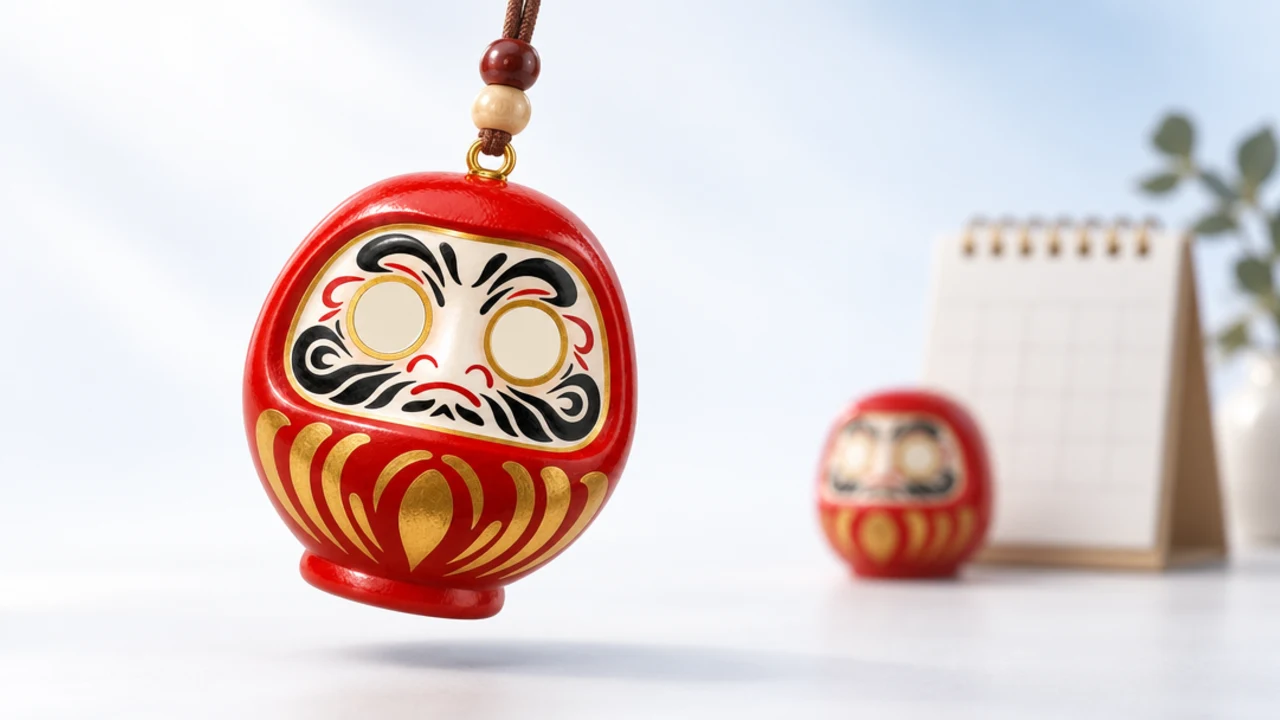
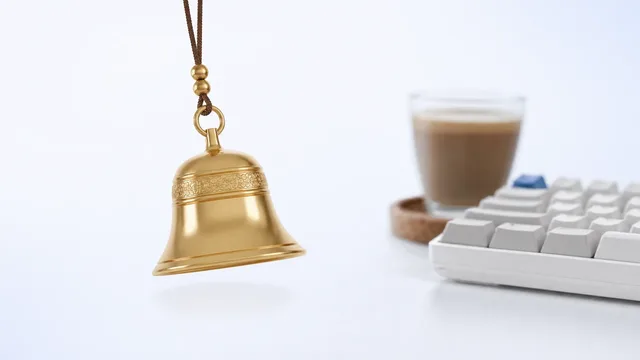
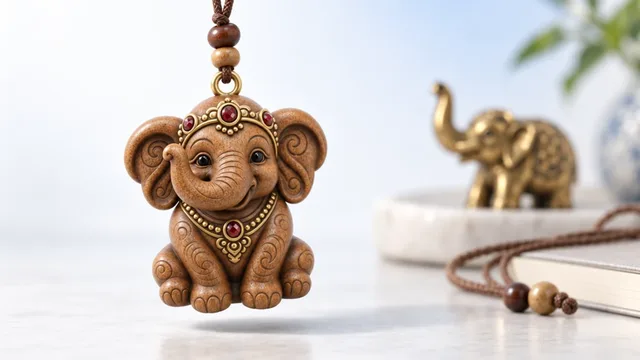
When that minute arrives, the charm hanging from the top of your screen leans forward and runs its ritual. A Daruma catches the light, a bell rings once, a Nazar gives itself a flick.
Then it goes back to swaying quietly. The whole thing lasts a few seconds and asks nothing of you.
A booked moment is not a to-do item. It is a mark on the day, the way you might tie a thread around your wrist before something that counts.
The point of scheduling it in advance is that the ritual lands when your hands are full. You are walking into the room or hovering over the deploy button, not fiddling with an app.
How do you schedule a reminder ritual on your Mac?
The flow lives entirely in the little window behind the blue evil eye in your menu bar. There is no Dock icon and no account to set up first.
Here is the shape of it, start to finish.
1. Open the menu-bar window. Click the evil eye at the top of the screen. The small window is where you activate the app and find every setting.
2. Pick the charm you want present. Choose from the twenty named charms or type any emoji you like. The charm you pick is the one that will run the ritual.
3. Book the moment. Set the date and the exact minute the moment starts. That is the time the charm will come forward.
4. Leave it alone. Close the window and go back to work. The charm keeps clicking straight through to whatever is underneath, so it never blocks a keystroke.
That is the manual path. If you prefer, the ⌥⌘K hotkey opens booking without reaching for the mouse, and ⌥⌘B blesses the current moment on the spot when something comes up unplanned.
Book the moment for a minute or two before the real start. A ritual that lands as you settle into the chair steadies you better than one that fires while you are already talking.
Which moments are worth booking?
Not every calendar entry deserves a charm. Booking works best when a moment carries weight and you want to walk in a little calmer.
A few that people tend to schedule again and again:
| Moment | Why book it |
|---|---|
| Exam or viva | Marks the start so nerves have somewhere to land |
| Job interview | A steadying beat right before the call connects |
| Deploy to production | A shared, visible pause before the button |
| First date | A small private ritual, no one else needs to know |
You can read more on the exam side in lucky charm for exams, and on the shipping side in deploy ritual. The mechanics are the same; only the moment changes.
If a calendar cue is switched on, the app can read the next event and offer to bless it for you. That cue is read-only: titles and start times are used on the device and never leave it. The deeper how-to for that lives in calendar reminder ritual mac.
Over everything, behind windows, or hidden?
A booked moment respects whichever display mode you have chosen. There are three, and they change only where the charm sits, never what the ritual does.
Over everything
- What it is: the charm floats above your apps, always visible.
- Best for: the run-up to a big moment, when you want the reminder in sight.
- Note: it still clicks through, so nothing underneath is blocked.
Behind windows
- What it is: the charm tucks behind your open apps and peeks out at the edges.
- Best for: normal work days when you want it present but quiet.
- Note: it comes forward on its own when a booked moment fires.
Hidden
- What it is: the charm is out of sight entirely until its moment.
- Best for: deep focus, screen-sharing, or a clean recording.
- Note: the booked ritual still runs at the set minute, then it hides again.
On a Mac with more than one display, you get one charm per screen, so a booked moment can greet you wherever you happen to be looking.
Can you trigger it from Shortcuts or a script?
Yes, and this is where booking gets genuinely useful for makers. Alongside the manual flow, there is a bookmyluck:// URL scheme and three global hotkeys.
The hotkeys are ⌥⌘L to toggle the charm on screen, ⌥⌘B to bless the current moment, and ⌥⌘K to open booking. They work from any app, so a ritual is always one chord away.
The URL scheme means anything on your Mac that can open a link can summon a charm. A bookmyluck:// link dropped into a Shortcut, an Automator action, or a git hook will fire the ritual when that thing runs.
# Bless the moment right before a build finishes
open "bookmyluck://bless"
The Shortcuts side is walked through in mac shortcuts url scheme. The short version: if you can trigger it, you can attach a small ritual to it.
None of this is a promise about outcomes. A charm marks the moment and steadies you, the way a lucky pen or a pre-game routine does. It will not pass the exam or fix the deploy, and every tradition behind these charms is real and treated with respect.
What if a moment moves or gets cancelled?
Open the menu-bar window and change or clear the booking, exactly as you set it. Nothing is locked in once you have booked it.
Because the cue reads your calendar rather than the other way round, moving the underlying event and refreshing the calendar cue keeps the charm pointed at the right minute. You are never editing two places by hand.
A quiet word on why this beats a plain reminder
A standard reminder is a task that nags until you clear it. A booked moment is a small piece of theatre that happens once and expects nothing back.
That difference matters more than it sounds. One adds to the pile of things demanding attention; the other gives a heavy minute a shape you can lean on. If a one-time, no-subscription charm that lives quietly in your menu bar sounds worth trying, the details are on the pricing page.
How far ahead can you book a moment?
As far as you like, which changes how you use the feature. A moment booked minutes away is a nerve-settler; one booked days ahead is a marker you set and then forget until it arrives.
Both are useful, and they lean on the same quiet mechanism. When you know a charm will greet you at nine on exam morning, the dread has somewhere to land in advance, instead of circling with nowhere to go.
You can also stack bookings across a week. A deploy on Tuesday, an interview on Thursday, a first date on Friday, each gets its own charm coming forward at its own minute, so the week has a set of small, marked beats rather than one undifferentiated blur.
The charm keeps swaying between them, doing nothing you have to attend to. That is the point of a booked moment: you do the deciding once, well ahead, and the day itself asks nothing more of you.
If several moments matter in one day, book them all in one sitting rather than one at a time. Setting them together turns a scattered day into a sequence you have already made peace with.
FAQ
How do I schedule a reminder ritual on my Mac?
Open the menu-bar window behind the blue evil eye, pick a charm, and book the date and exact minute the moment starts. The charm comes forward at that time, runs its ritual, and settles again.
Does booking a moment need an account or the internet?
No. Book My Luck has no account and no telemetry, so a booked moment is stored and fired entirely on your Mac.
Will the charm block my work when a moment fires?
No. Everything under the charm clicks straight through, so even when it comes forward for a booked moment your keystrokes and clicks reach the app underneath.
Can I book the same ritual from Shortcuts or a script?
Yes. The bookmyluck:// URL scheme and the ⌥⌘K and ⌥⌘B hotkeys let a Shortcut, Automator action, or git hook trigger the ritual, as covered in mac shortcuts url scheme.
What happens on a Mac with two monitors?
You get one charm per screen. A booked moment greets you on whichever display you are working on, so the ritual is never stuck on a screen you cannot see.
Is this available on Windows?
Not yet. Book My Luck is live on Mac today, and Windows is coming soon under the same key you already own.
Hang one for the moment that matters
Book My Luck hangs a real lucky charm from the top of your Mac screen. It sways, clicks through, and drops in on cue for the moments you book. One purchase, no subscription.
Get Book My Luck →
Book My Luck